
A report with your name on it
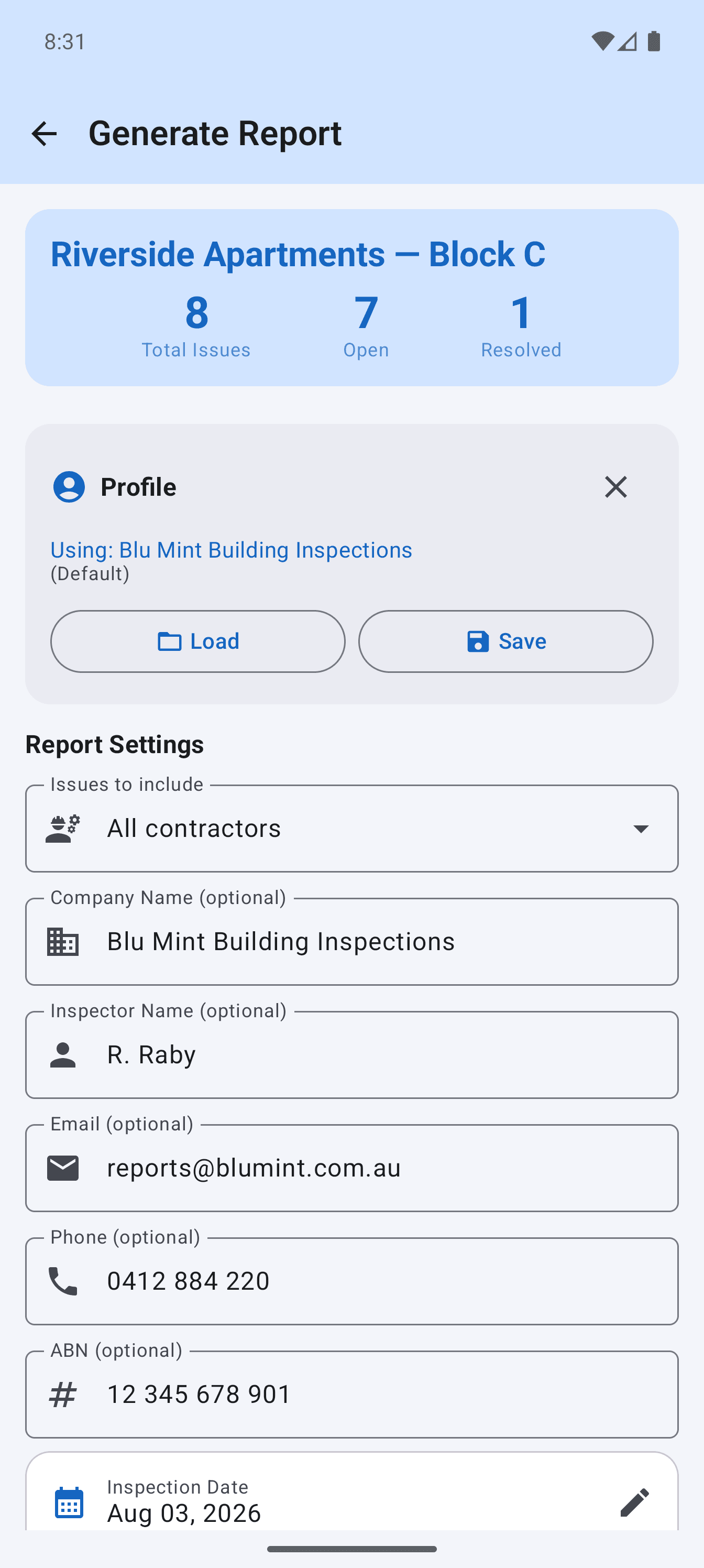
Your logo, business name and registration number, plus the inspector’s own contact details. What arrives looks like your document rather than an app’s.
Photograph the defect, mark it up, assign the trade. Site Audit builds the branded PDF on your phone, offline.
Whatever your contract calls it, it is the same walk:
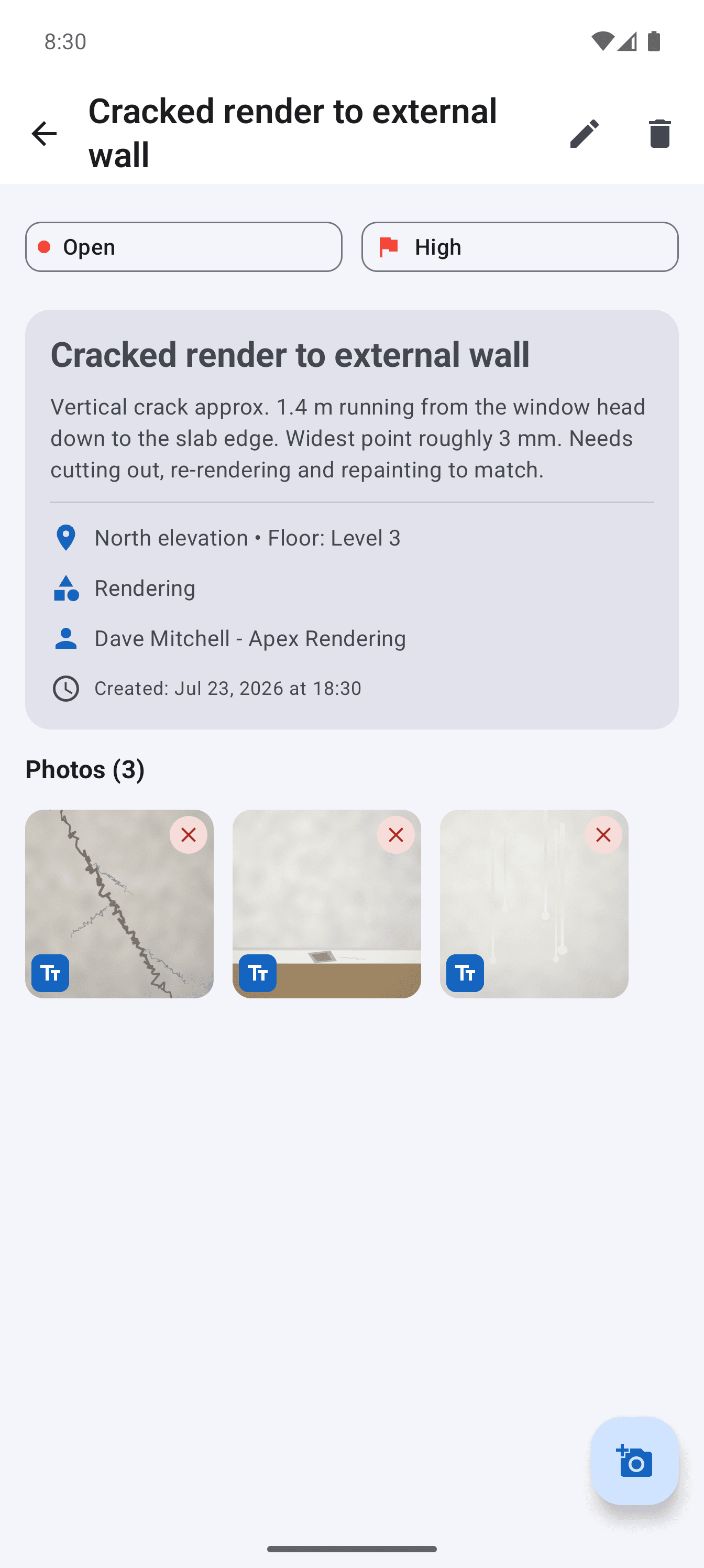
A crack needs a wide shot for the location and a close up for the width. Most snagging apps give you one photo per item, so the second shot ends up in a text message and the argument starts three weeks later.
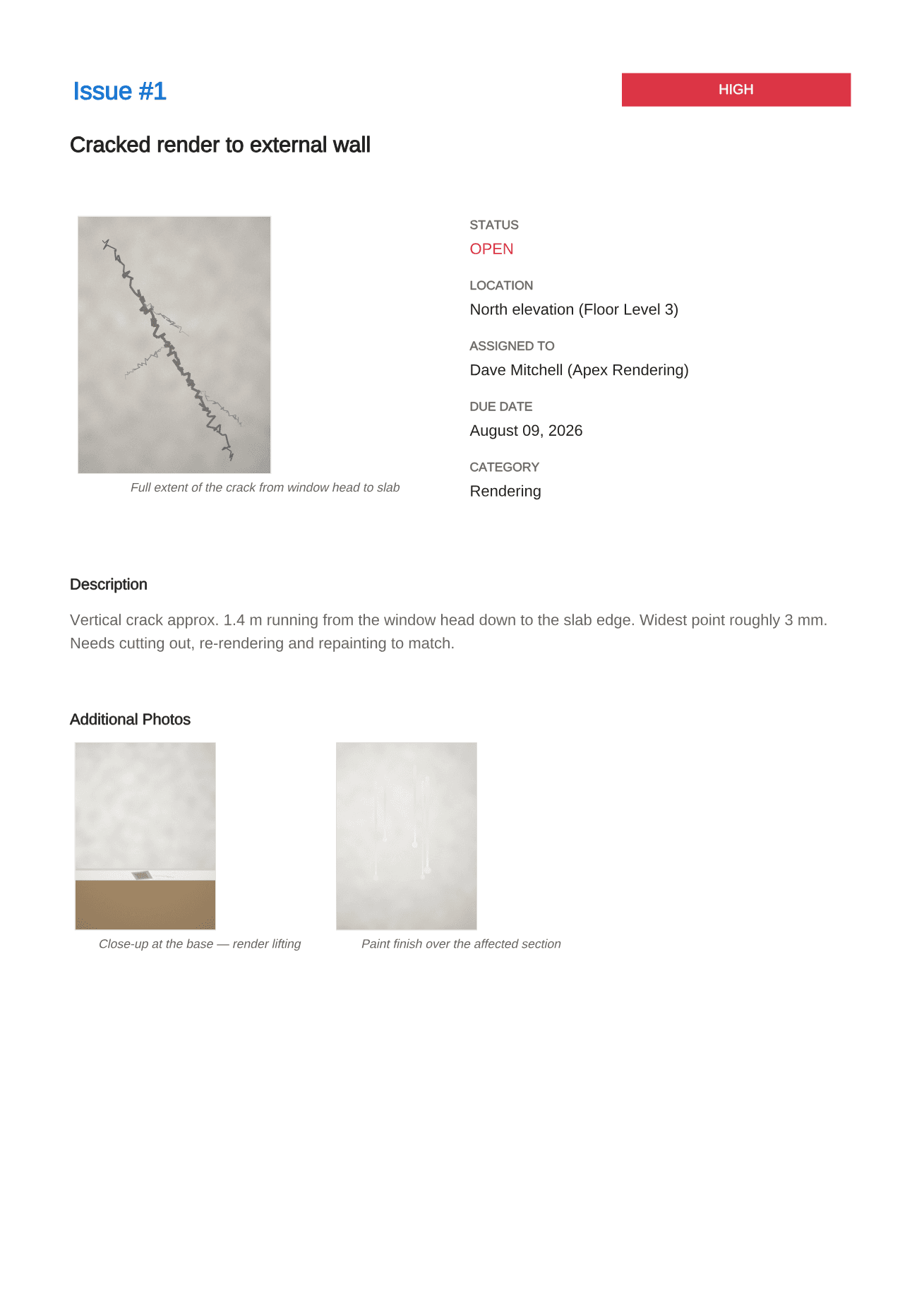
Site Audit puts as many photos on a snag as the snag needs. Each one carries its own caption, each one can be drawn on, and all of them print.
Not a screenshot dump. A cover, a summary table, then a page for every defect, in the order a reader needs them.
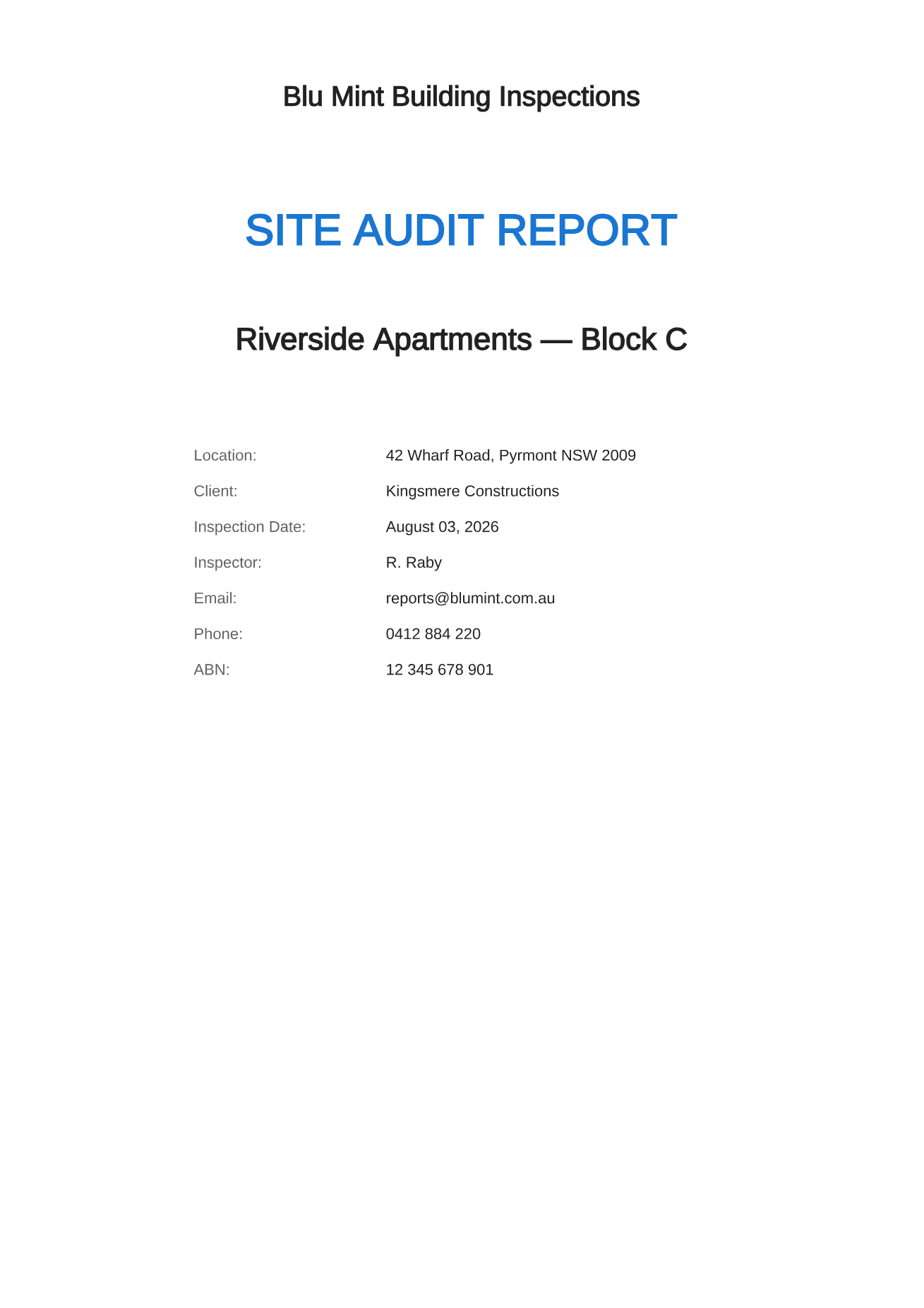
Your business name, registration number and contact details, above the project, the client and the date you walked it.
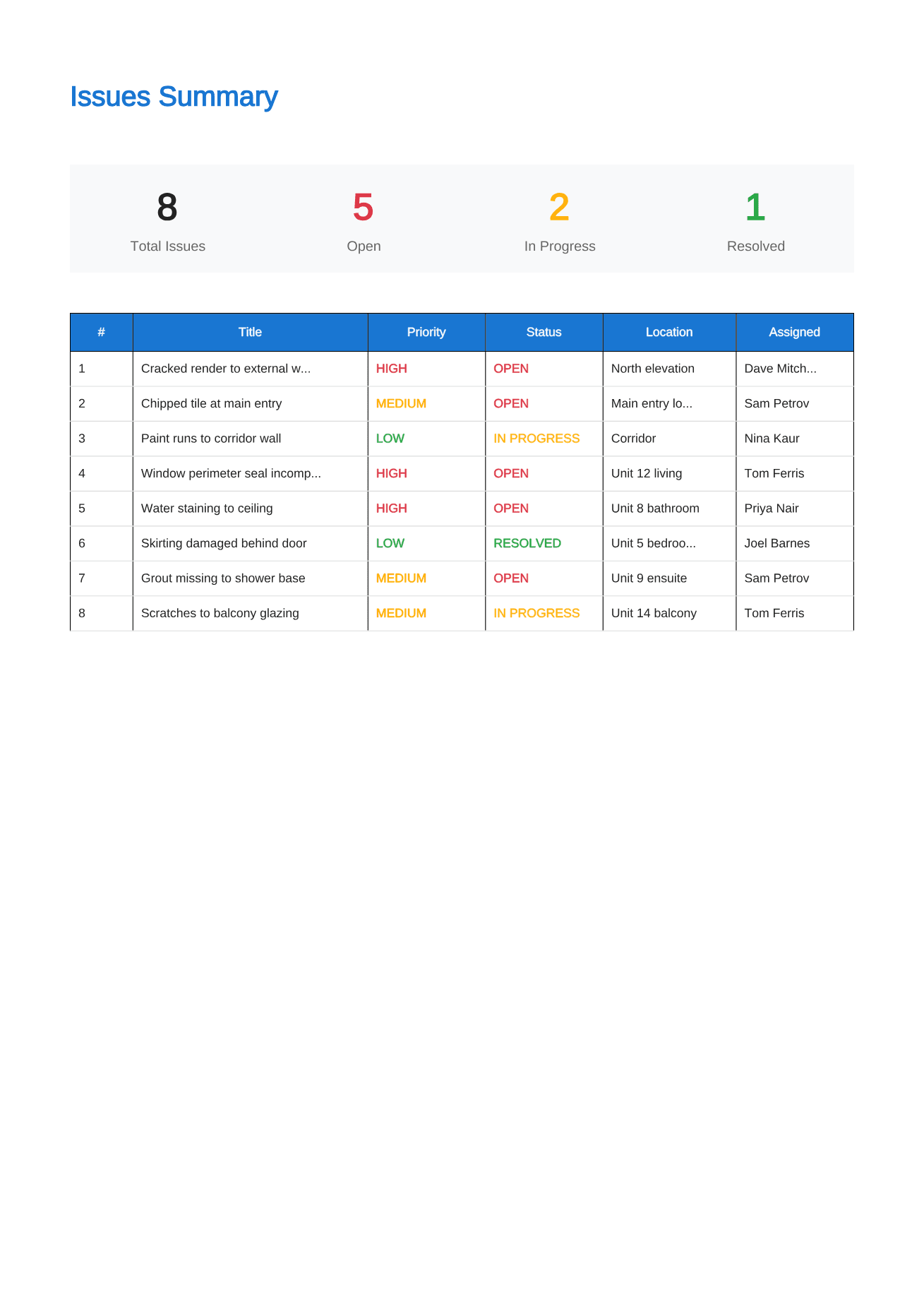
Every defect on one page with its priority, status, location and the trade it belongs to.
The main photograph, the full description, and every additional photo underneath it with its own caption.
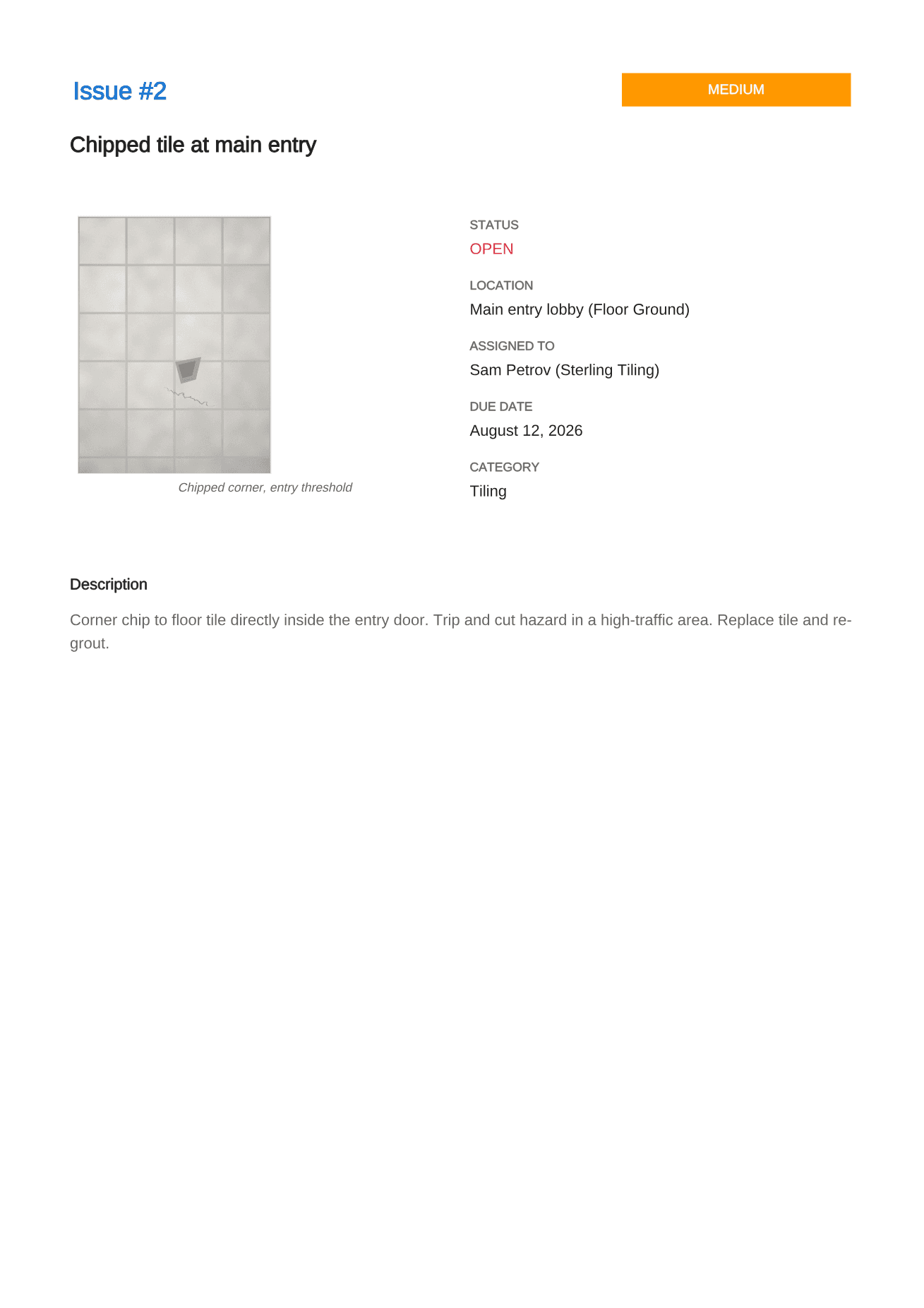
The same layout for the second defect and the fortieth, so nobody has to work out how to read it.
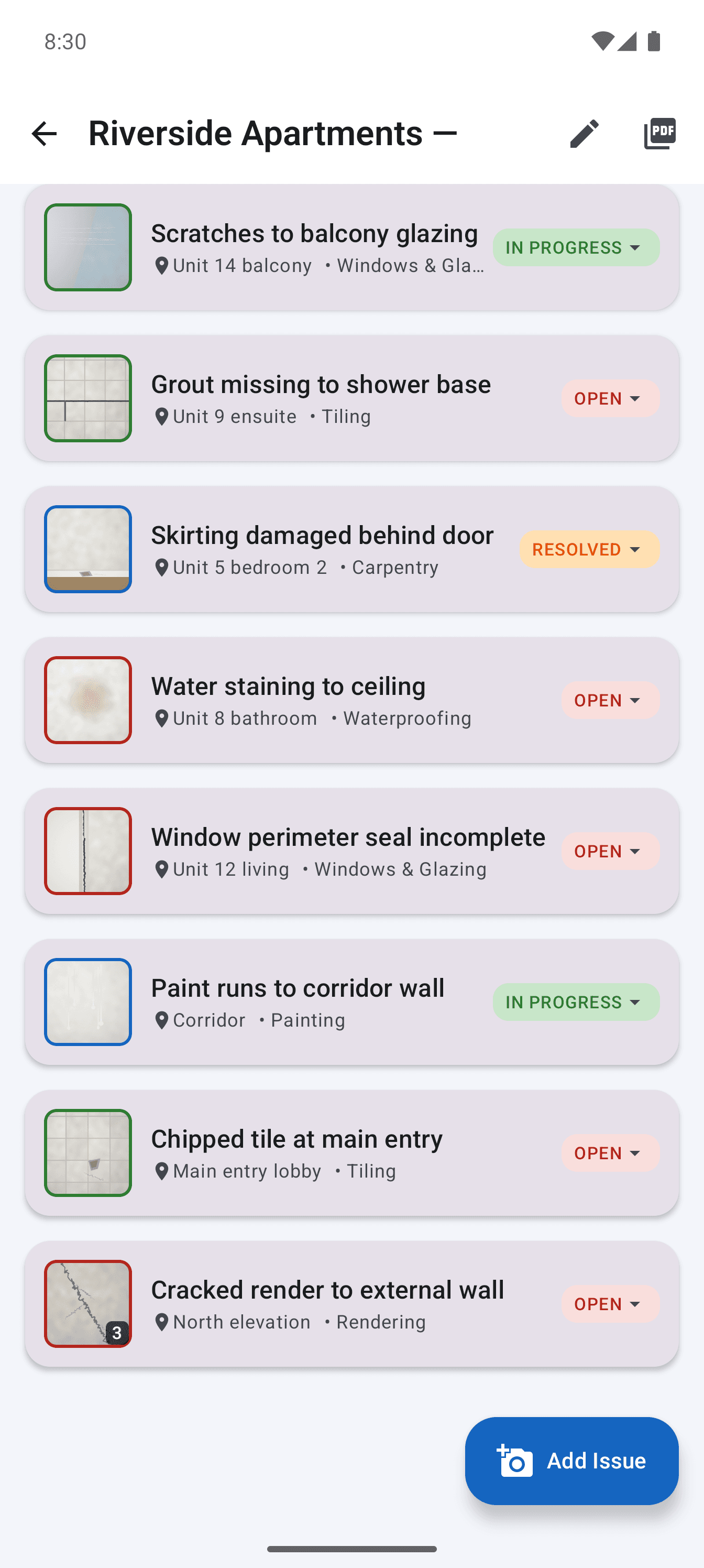
Photograph the defect, set the area, floor, category and priority.
Give it to a trade with a due date, then track it through to resolved.
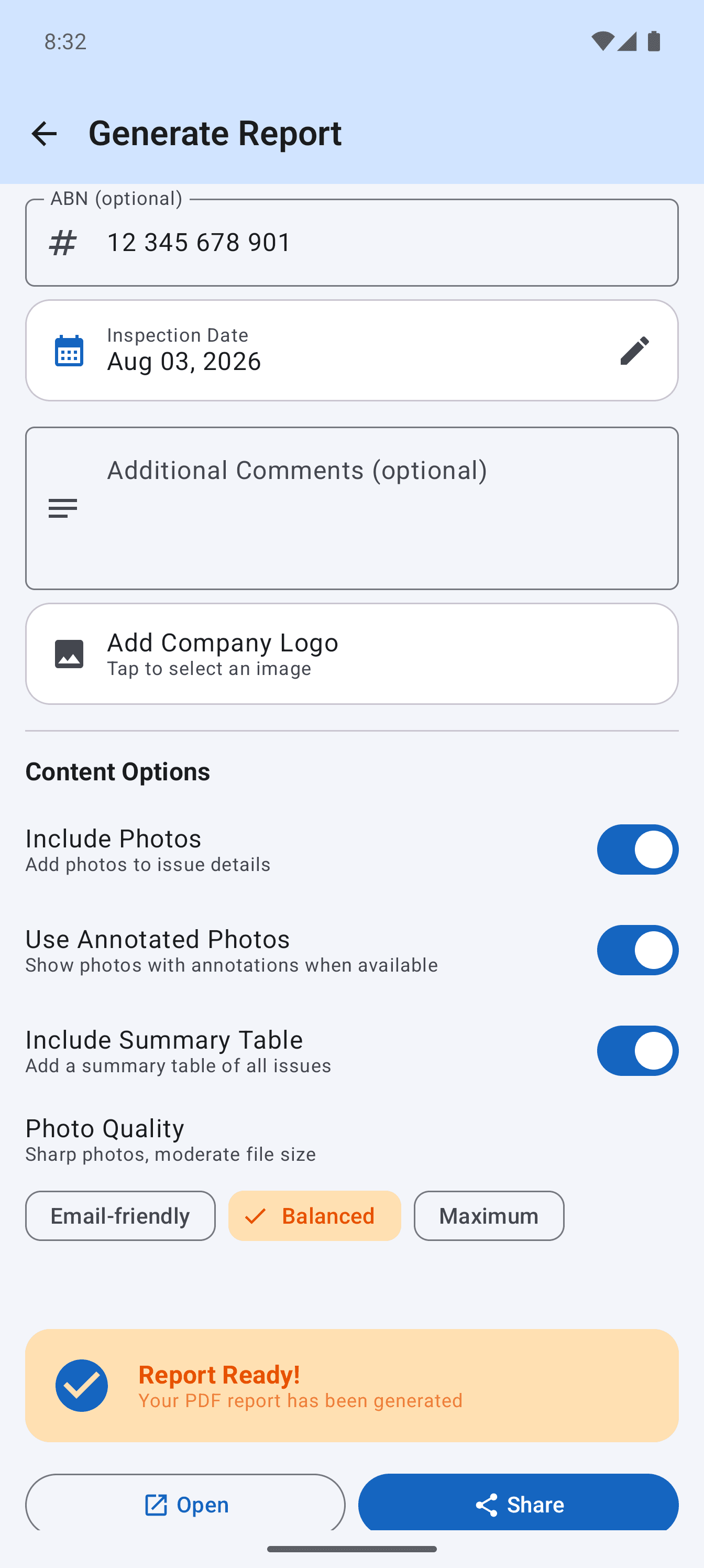
Generate the PDF and share it before you get back to the car.
Your logo, business name and registration number, plus the inspector’s own contact details. What arrives looks like your document rather than an app’s.
Filter the register by trade and send each one only their own snags. A plasterer handed a 60 item list reads none of it.
Export the whole issue register when someone upstream wants it in a tracker.
Dictate the detail instead of typing it with one thumb while holding a ladder.
Projects, snags and photos in a single zip that survives a new phone. Never restricted.
Your client’s defect list is not our data to hold. It stays in the app’s private storage on your phone. There is no server behind this, which is also why it works in a basement.
Permissions requested
Camera, and the microphone if you dictate
Analytics and trackers
None, in any build
Sign in
There is nothing to sign in to
Use the same captured evidence for defect reporting, punch list closeout, inspection records and a consistent site report.
Free to read, no sign up, no gated download. If a guide saves you an argument at handover it has done its job.
A one time unlock through Google Play. No seats, no renewal, and nothing that stops working if you skip a month.
A$0
A$29.99
Backup and restore sits in the free tier deliberately. Locking someone out of their own photos to sell an upgrade is not a business model.
Yes. Everything runs on the device, including generating the PDF. Basements, lift shafts, plant rooms and remote sites are all fine. The only time the app touches the network is to check a Google Play purchase.
Yes, and every photo can carry its own caption and its own mark up. This is the main reason people move across from other snagging apps, most of which allow one photo per item.
No. The app is free to use, and Pro is a one time purchase of A$29.99 through Google Play. There is no account, no seat pricing and nothing to renew.
The free version runs 2 projects with unlimited snags and photos, full mark up, and real PDF export. Exported reports carry a small credit line in the footer. Backup and restore is never restricted.
Yes. Assign each snag to a contractor, then export one filtered report per trade. The plasterer gets the plastering list and nothing else, which is usually the difference between a snag being actioned and being ignored.
On your phone, in the app's private storage. There is no server, no account and no analytics, so there is nothing for us to look at. You can export a full backup to a single zip file and keep it wherever you like.
Not at the moment. The app is Android only. If enough people ask for iOS it will get built, but it would be dishonest to promise a date today.
Yes. Your company name, logo, business number (the field is labelled ABN) and the inspector's name, email and phone all go on the report, so what lands in the client's inbox looks like your document rather than an app's.
Free to start, nothing to sign up for, and the first report takes about two minutes.
Free on Google Play. Android 8.0 and above.