
Project context
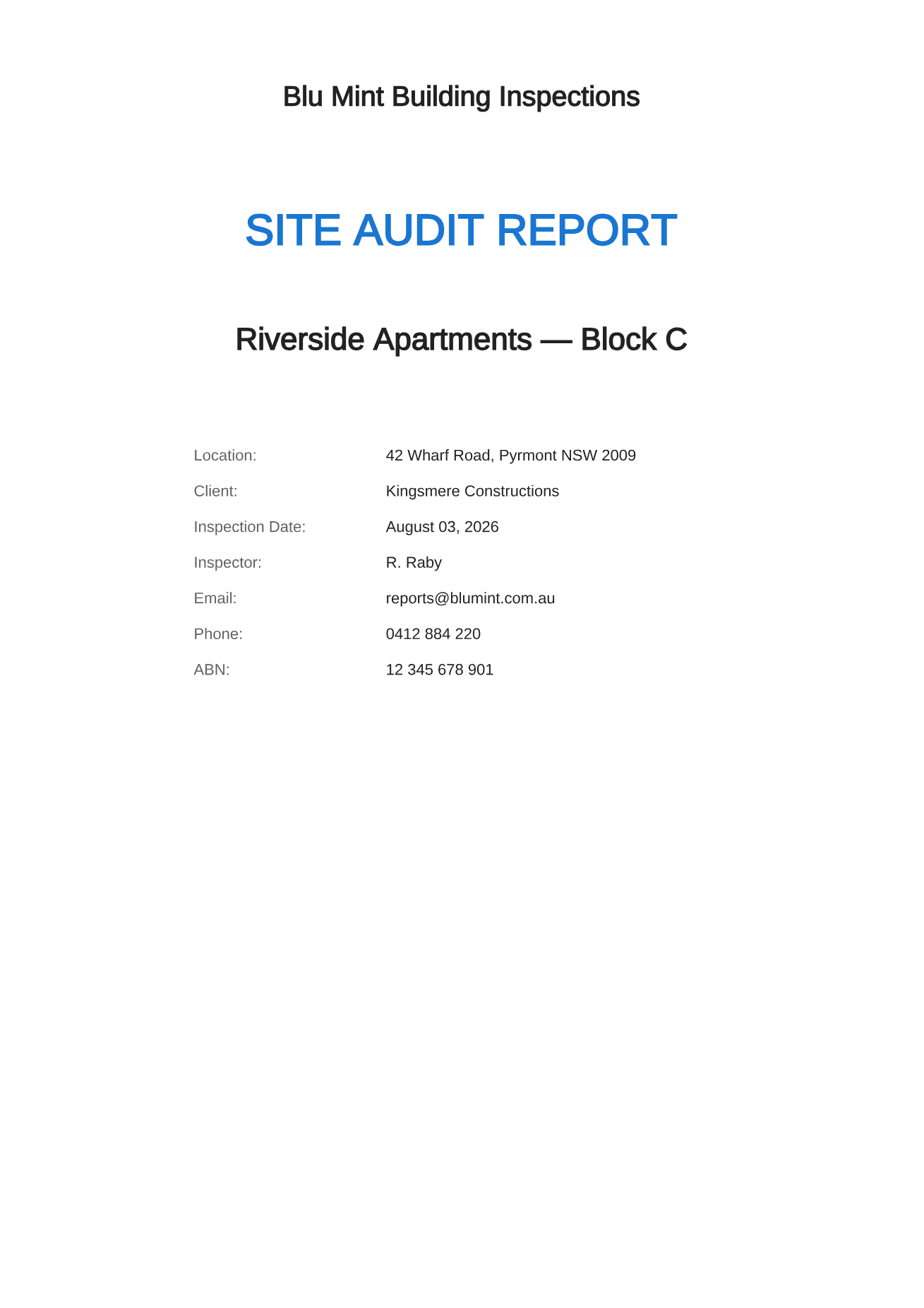
Name the project, site, client, inspection date, inspector and issuing business before the findings begin.
Open the sample, inspect every field and use the structure as a checklist for your own report. When you need to repeat it, the Android app generates it from the inspection record.
For anyone preparing a construction site, defect, snag or handover report. Android 8.0 and above. No account required.
A site inspection report needs to identify the inspection, show the overall position and give each finding enough space to be understood. A blank page with a logo is not yet a template. The structure has to survive ten items or one hundred without changing how the reader finds information.
The downloadable example is genuine output from Site Audit. It contains a cover, issue counts and summary, then repeatable detail pages. You can use that arrangement independently or generate it directly from the app.
Name the project, site, client, inspection date, inspector and issuing business before the findings begin.
Give decision makers the item number, title, priority, status, location and owner without making them turn every page.
Use one stable detail layout for the description, expected action and all captioned photographic evidence.
Step 1
State the purpose, scope, date, property and responsible inspector so the document can stand apart from the email that delivered it.
Step 2
Use a permanent issue number and record location, category, priority, status and responsible party consistently.
Step 3
Export a dated PDF, keep the original, and make later status changes in a new revision rather than overwriting the evidence trail.
Business and inspector details, project and client information, inspection date and a short report identifier.
Totals for open, in progress and resolved items provide a quick picture of the register at the time of issue.
A compact index lets the reader scan the list and jump from management view to the detail behind a particular item.
Every finding combines the written record and photographs so an extracted page remains understandable when it reaches a contractor.
Straight answers about scope, storage and the reporting workflow.
Yes. The page links to a complete sample PDF generated by the app. It can be opened or saved without entering an email address.
No. It is a documentation format. The author remains responsible for the inspection scope, technical conclusions and any jurisdiction-specific requirements.
Yes. The free tier includes PDF export for up to two active projects, with a small product credit in the footer.
Record defensible evidence on site and turn it into a clear, branded defect report before the details get lost.
See the workflowGive every closeout item a location, owner and clear finish line, then send each contractor only the work that is theirs.
See the workflowTurn observed conditions into a consistent, branded field report without transferring notes and photos after the inspection.
See the workflow